
Written by
Vadim Kotin
Published on
Apr 23, 2026
Read time
5 minute read
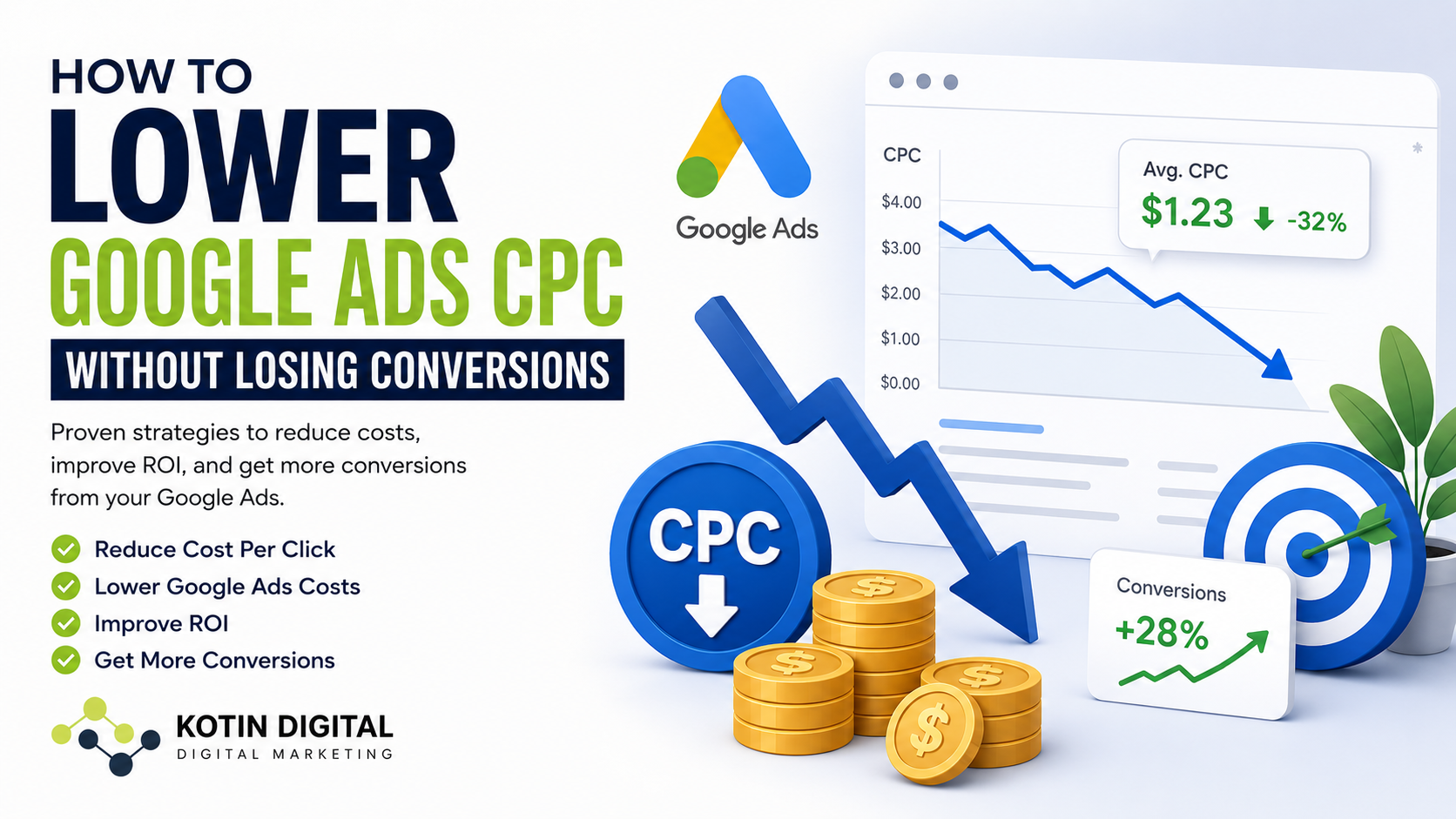
If your Google Ads campaigns are generating clicks but your cost-per-click (CPC) keeps climbing, you’re not alone. Many businesses struggle with rising ad costs while seeing fewer qualified leads and lower return on investment.
The good news? You can lower Google Ads CPC without sacrificing conversions – if you optimize the right parts of your campaign.
In this guide, we’ll explain practical ways to:
- Reduce cost per click in Google Ads
- Lower CPC without losing lead quality
- Decrease Google Ads costs
- Improve Google Ads ROI
- Reduce wasted ad spend
Why Google Ads CPC Keeps Increasing
Google Ads has become more competitive across nearly every industry. More advertisers are bidding on the same keywords, which naturally drives up costs.
However, higher CPCs are not always caused by competition alone. In many cases, campaigns are overspending because of:
- Poor keyword targeting
- Low Quality Scores
- Weak landing pages
- Broad match keyword abuse
- Poor conversion tracking
- Unoptimized bidding strategies
- Showing ads at the wrong times or locations
The key is not simply lowering bids. The goal is to improve efficiency so you pay less for higher-quality clicks.
1. Improve Your Quality Score
Quality Score is one of the biggest factors affecting Google Ads CPC.
Google rewards advertisers who create relevant ads and strong user experiences. A higher Quality Score can significantly lower your cost per click while improving ad positioning.
Focus on:
- Tightly grouped keywords
- Relevant ad copy
- Fast-loading landing pages
- Strong mobile experience
- High click-through rate (CTR)
If your ads closely match user intent, Google often charges less per click compared to competitors with poorly optimized campaigns.
2. Stop Using Broad Match Keywords Everywhere
One of the fastest ways to reduce Google Ads spend is controlling keyword match types.
Broad match keywords often trigger irrelevant searches that waste budget on low-intent traffic.
Better approach:
Use:
- Phrase match
- Exact match
- Well-structured negative keywords
For example, if you offer professional landscaping services, you may want to exclude searches like:
- DIY landscaping
- landscaping jobs
- free landscaping software
This helps lower CPC in Google Ads by improving traffic quality and reducing wasted clicks.
3. Add Negative Keywords Regularly
Negative keywords are one of the most overlooked ways to decrease Google Ads costs.
Review your Search Terms Report weekly and block irrelevant traffic.
Common negative keyword examples:
- Free
- Cheap
- Jobs
- Salary
- Training
- YouTube
- DIY
Over time, this can dramatically improve Google Ads ROI because your budget focuses only on high-intent searches.
4. Optimize Your Landing Pages
Many advertisers focus only on ads and keywords while ignoring the landing page experience.
Google evaluates:
- Page speed
- Mobile usability
- Content relevance
- User experience
A better landing page often leads to:
- Lower CPC
- Higher conversion rates
- Better Quality Scores
- Reduced bounce rates
Simple improvements:
- Clear headline matching the ad
- Faster page speed
- Strong CTA above the fold
- Trust signals and reviews
- Easy-to-complete contact forms
Sometimes improving conversion rates is more valuable than simply lowering bids.
5. Use Location Targeting More Strategically
If you serve specific cities or service areas, avoid targeting broad regions unnecessarily.
For example:
- Target cities with high conversion rates
- Exclude low-performing locations
- Adjust bids by geographic performance
This helps reduce cost per click in Google Ads by avoiding wasted impressions and clicks from users unlikely to convert.
6. Schedule Ads During High-Converting Hours
Ad scheduling can help lower Google Ads CPC and improve efficiency.
Analyze:
- What days convert best
- What hours generate leads
- When CPCs spike unnecessarily
You may discover that:
- Weekends perform poorly
- Evening traffic converts better
- Certain hours waste budget
Reducing spend during low-performing periods can significantly improve campaign profitability.
7. Improve Conversion Tracking
Many businesses make optimization decisions using incomplete or inaccurate data.
Without proper conversion tracking:
- Google optimizes for the wrong users
- Automated bidding becomes unreliable
- Campaign decisions become guesswork
Ensure you track:
- Form submissions
- Phone calls
- Purchases
- Qualified leads
- Offline conversions if possible
Better tracking helps Google’s algorithm identify users more likely to convert – which can reduce CPC over time.
8. Focus on Conversion Value – Not Just Cheap Clicks
The cheapest click is not always the best click.
Some high-CPC keywords actually produce the best leads and highest revenue.
Instead of only trying to lower Google Ads costs, focus on:
- Cost per lead
- Lead quality
- Return on ad spend (ROAS)
- Customer lifetime value
A campaign with higher CPC but stronger conversion rates may outperform cheaper traffic significantly.
Lowering Google Ads CPC without losing conversions requires more than reducing bids.
The most successful campaigns focus on:
- Better targeting
- Improved Quality Scores
- Stronger landing pages
- Negative keyword optimization
- Accurate conversion tracking
- Smarter budget allocation
When done correctly, you can reduce Google Ads spend while generating more qualified leads and improving overall ROI.
Free Google Ads Performance Audit
Are your campaigns generating expensive clicks but inconsistent leads?
Kotin Digital offers a Free Google Ads Performance Audit to help identify:
- Wasted ad spend
- High CPC issues
- Poor-performing keywords
- Conversion tracking problems
- Landing page weaknesses
- Opportunities to improve ROI
Get actionable insights to improve campaign performance and generate better leads from your advertising budget.